
Why do most AI generated retreat images end up looking the same?
If you have played with AI image tools long enough, you have probably noticed this pattern.
The first few images feel exciting.
Then suddenly, everything starts to look familiar.
Same poses. Same lighting.
Same calm faces staring into the distance.
This does not happen because Gemini is limited.
It happens because most prompts are rigid.
When prompts do not leave space for your retreat’s essence, the tool fills the gaps with defaults.
As a result, your images start blending into everyone else’s feed.
That is why every prompt in this guide includes optional inputs.
These inputs allow you to inject your retreat’s personality, location, audience energy, and intention.
Without them, all retreat visuals will slowly drift toward sameness.
In this article, you will learn how to use Gemini prompts to generate AI images of retreats for social media in a flexible way using Pro mode intentionally.
The goal is not just beautiful images, but visuals that feel like you.
What are the do’s and don’ts of using retreat visuals on social media?
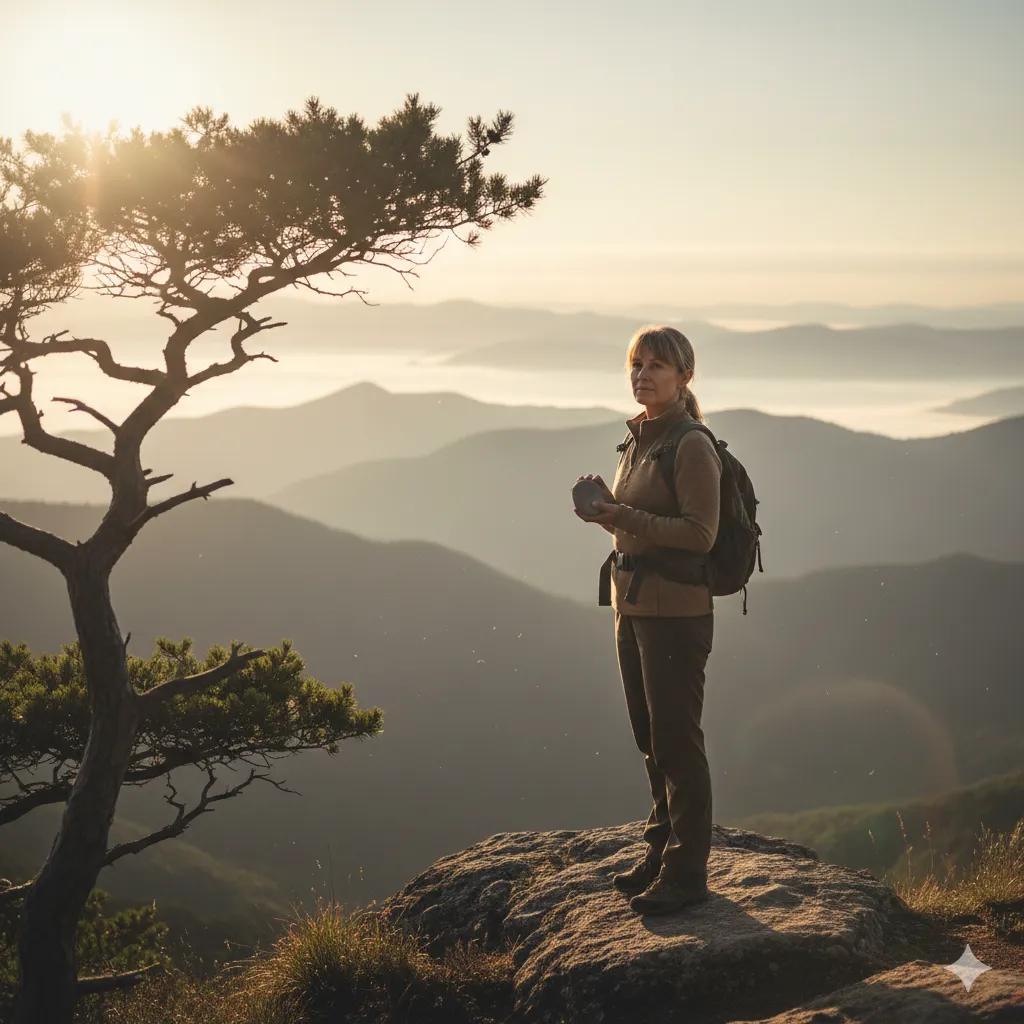
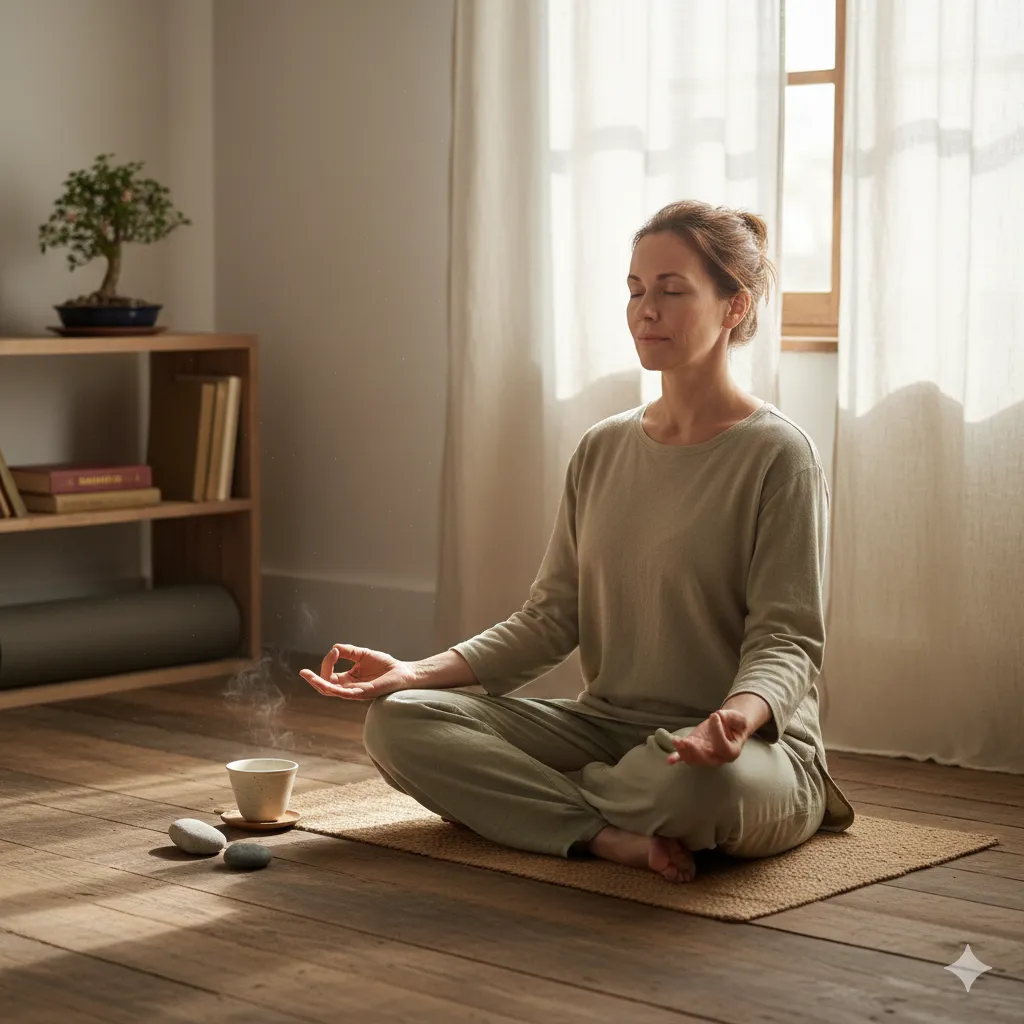
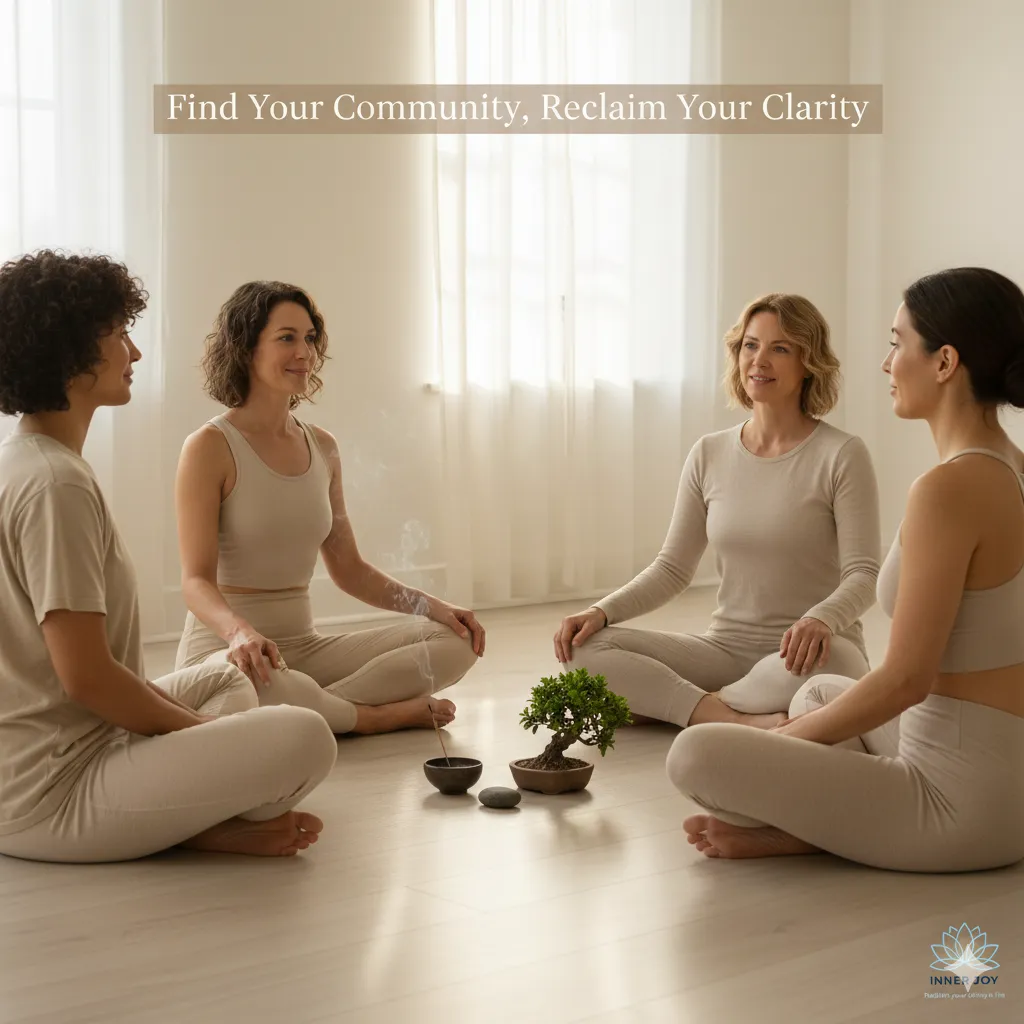
Before creating images, pause here.
Do’s
Do lead with emotional honesty
Do reflect real participant energy
Do keep your visual style consistent
Do let images support your message
Do test which visuals spark conversations
Don’ts
Do not chase perfection
Do not exaggerate transformation
Do not copy trending retreat aesthetics blindly
Do not mix too many visual styles
Do not forget your audience is emotionally intelligent
Good visuals feel grounded. Forced visuals feel loud.
How should you structure Gemini prompts so your retreat essence comes through?
Before jumping into prompts, let us reset expectations.
A good Gemini prompt is not a command.
It is a conversation. You guide the tool instead of controlling it completely.
The secret is modular prompts. These include fixed structure plus optional inputs.
This allows you to reuse the prompt while changing the soul of the image each time.
Think of it like a template, not a formula.
Below, every prompt includes a section called Optional Inputs.
You can fill them in or leave them open depending on your needs.
How do you prompt Gemini to reflect your participants emotional state accurately?
Many retreat images fail because they show how people think they should feel rather than how they actually feel.
Your audience might feel tired, confused, heavy, or quietly hopeful. Gemini needs to know that.
Gemini Prompt Two Location based realism with context inputs
Prompt
Create a realistic cinematic image of a retreat environment focused on emotional grounding rather than performance. The scene feels safe, quiet, and unforced. Facial expressions show relief and inner clarity, not exaggerated joy. Natural earthy colors, soft shadows, minimal distractions. Designed for social media use.
Optional inputs to customise
Type of retreat:
Primary emotional state of participants:
Age range of participants:
Natural setting or indoor space:
Country or region:
Any emotions to avoid showing:
By adding these inputs, Gemini adjusts the emotional tone instead of defaulting to generic calm faces.
This approach helps your visuals resonate with people who are emotionally where your audience actually is.
Can Gemini create transformation without spiritual clichés?
This is one of the most important questions retreat leaders ask.
Yes, but only if you clearly say what not to include.
Transformation does not need glowing lights, floating bodies, or dramatic poses. In fact, those visuals often push grounded people away.
Gemini Prompt Three Subtle transformation with boundaries
Prompt
Create a realistic retreat image that communicates quiet inner transformation. Avoid spiritual symbols, glowing effects, exaggerated poses, or visual metaphors. The change is subtle and human. Visual style is cinematic realism with soft natural light and shallow depth of field.
Optional inputs to customise
Type of inner shift you want to convey:
Audience sensitivity level:
Visual elements to exclude:
Intensity level from subtle to neutral:
Solo or group setting:
These inputs help Gemini understand restraint, which is essential for mature and premium retreats.
How do you maintain consistency across a social media campaign?
Consistency does not mean repetition. It means familiarity.
Gemini can maintain a visual language if you clearly define what stays constant and what changes.
Gemini Prompt Four Campaign consistency with flexible inputs
Prompt
Using a consistent visual style, color palette, and mood, generate a new retreat image that fits within an ongoing social media campaign. Maintain visual continuity while changing the scene or activity slightly.
Optional inputs to customise
Core visual style reference:
Color palette:
Campaign theme:
Activity shown:
Camera angle or distance:
Platform usage:
This allows you to create a full campaign without your feed feeling random.
Over time, people start recognising your retreat even before reading the caption.
How should Gemini prompts change based on social media platforms?
Different platforms encourage different viewing behaviour.
Instagram is emotional and fast.
Facebook allows context.
Pinterest values clarity.
Tell Gemini exactly where the image will live.
Gemini Prompt Five Platform specific visuals with adaptability
Prompt
Create a high resolution image optimised for a specific social media platform. Composition allows space for text overlays and captions. The visual remains calm, clear, and emotionally inviting.
Optional inputs to customise
Platform name:
Image orientation:
Text overlay requirement:
Primary emotion to evoke:
Cropping safe areas:
This saves time and improves performance without extra design work.
This is another reason Gemini prompts to generate AI images of retreats for social media work best when treated as adaptable frameworks.
How can you create brand merchandise images using Gemini without a designer?
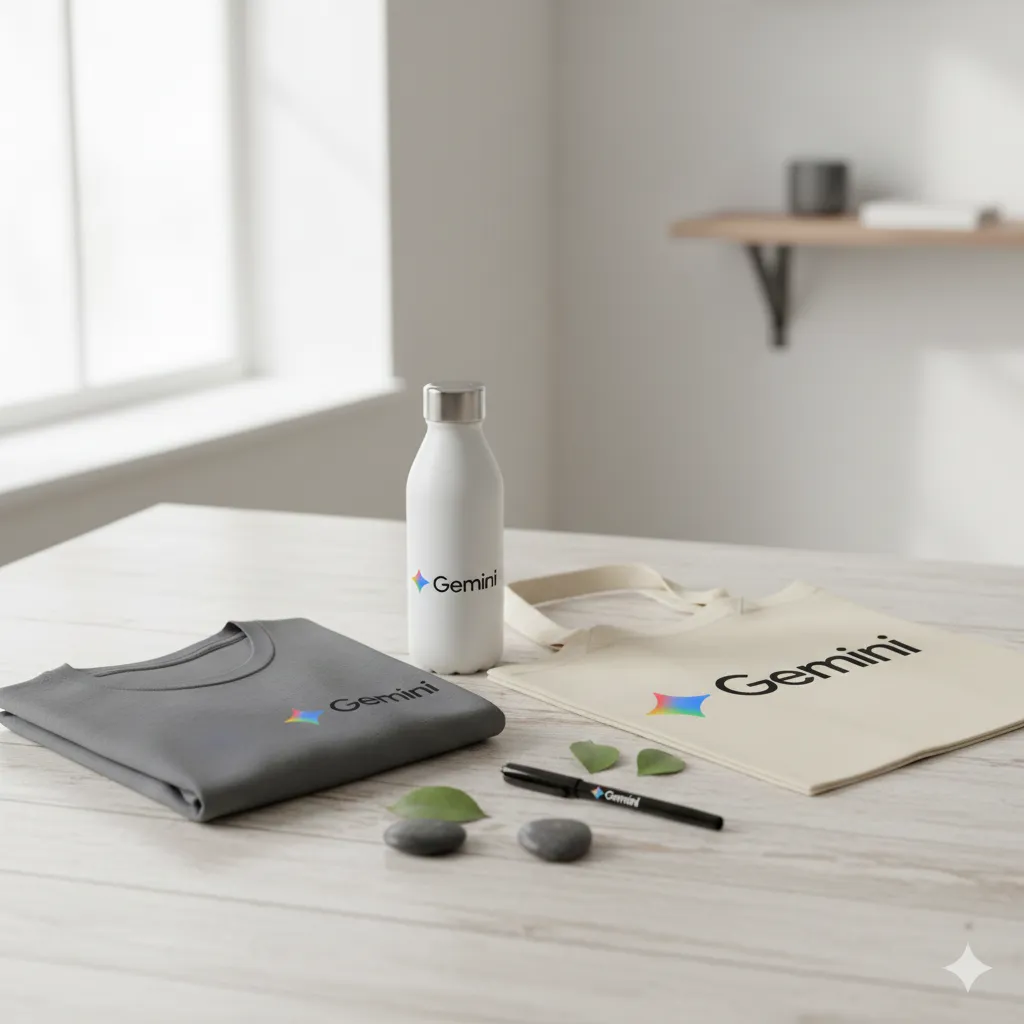
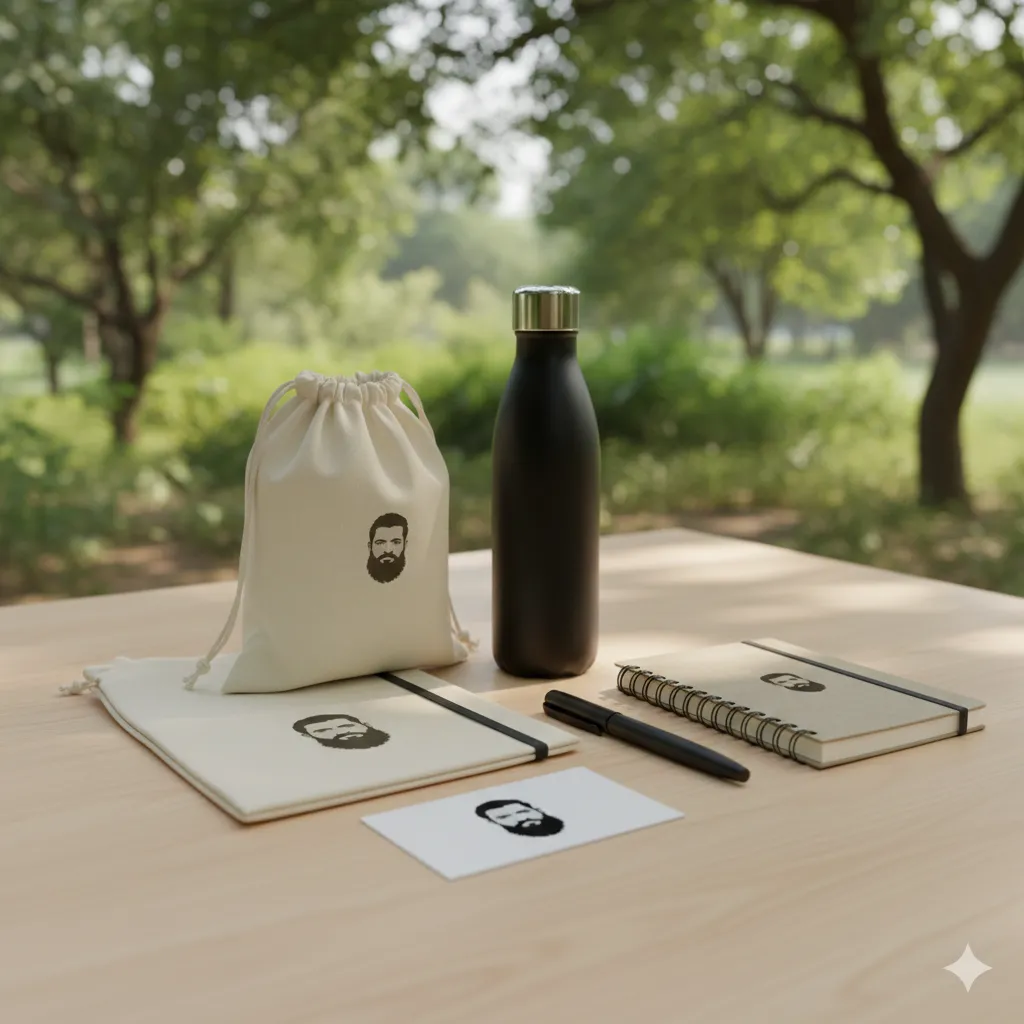
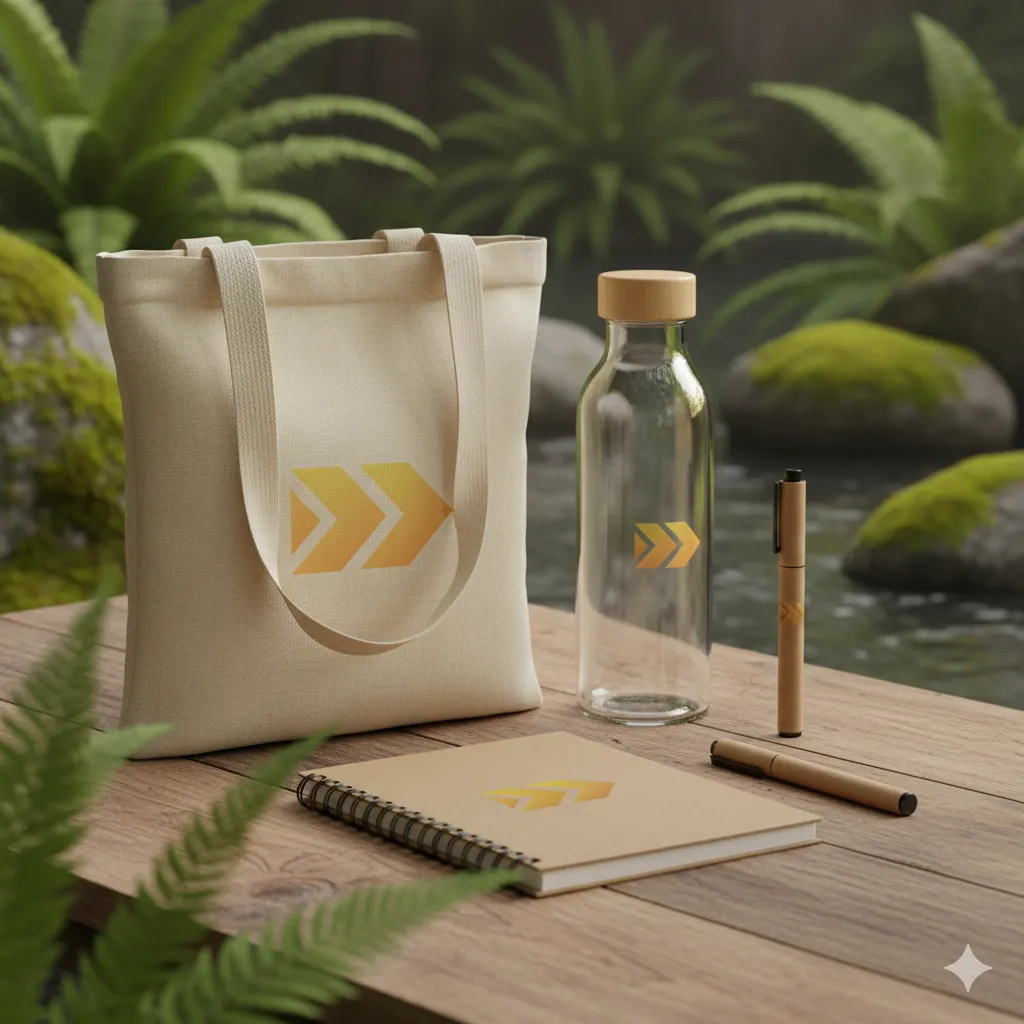
Brand merchandise helps your retreat feel tangible. Welcome kits, tote bags, journals, and bottles build familiarity and trust.
Gemini can create clean realistic mockups if prompted correctly.
Gemini Prompt Brand merchandise with custom branding inputs
Prompt
Create a realistic brand merchandise mockup prepared for retreat distribution. Items are arranged neatly in a calm natural environment. Lighting is soft and premium. Design leaves space for a logo without overpowering the scene.
Optional inputs to customise
Type of merchandise:
Material preferences:
Logo placement notes:
Mood: minimal warm or earthy
Please make sure you upload your logo along with this prompt.
These images work well for announcements, emails, and social posts.
They also help people visualise being part of your retreat.
How often should you refresh retreat images?
You do not need new visuals every week.
Instead, refresh visuals based on phases. Awareness, consideration, and reminders. One strong set can last weeks if used intentionally.
Gemini makes iteration easier because you can tweak inputs instead of rewriting everything.
That is where Gemini prompts to generate AI images of retreats for social media become sustainable rather than overwhelming.
Can Gemini replace real retreat photography?
No, and it should not.
Gemini fills gaps. It supports storytelling. It helps you prototype ideas before a shoot.
Real photography still carries lived energy. Gemini supports that energy, not replaces it.
Final thoughts on using Gemini with intention
Gemini works best when you treat it like a collaborator, not an autopilot.
Leave space for your retreat’s essence. Add emotional context.
Define boundaries. Adjust inputs regularly.
When you do this, your visuals stop looking like AI images and start looking like invitations.
And that is exactly what great retreat marketing should be…